


How to Increase the DirectAdmin File Manager Max Request / Upload Size Limit?
Last Updated: January 23, 2026
You might have default restrictions on many factors in a shared hosting environment. You can modify the Max Request / Upload Size limit of DirectAdmin through administrator settings. Let us learn, How to Increase the DirectAdmin File Manager Max Request / Upload Size Limit?
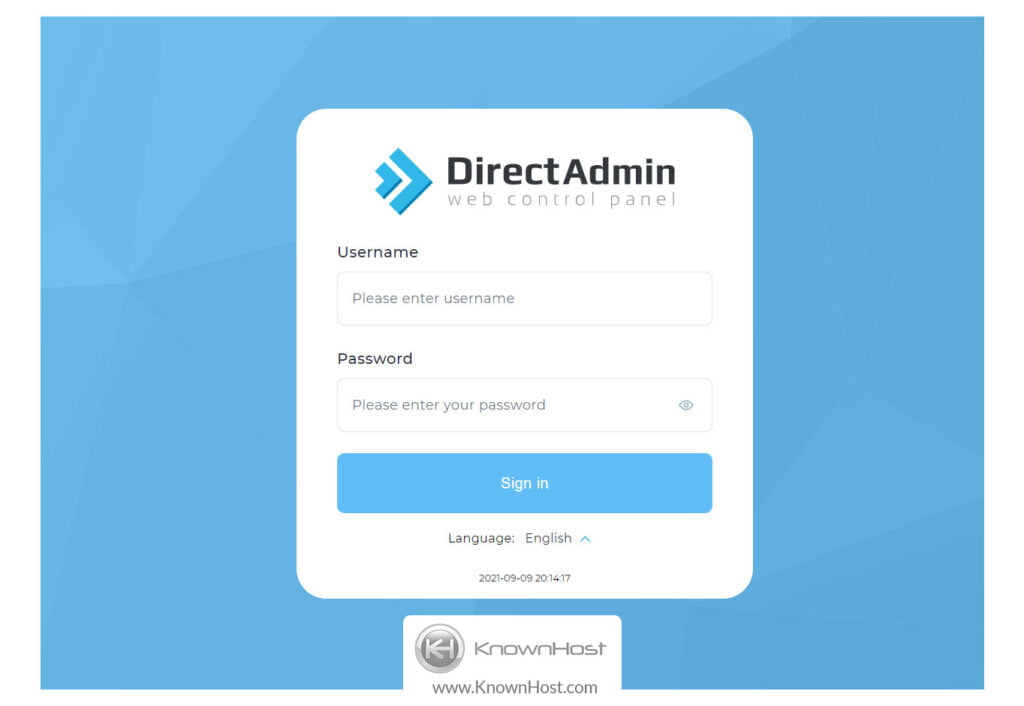
1. First, to login into DirectAdmin control panel visit,
https://your-domain.com:2222 or https://IP-address:2222 or https://server-hostname:2222.
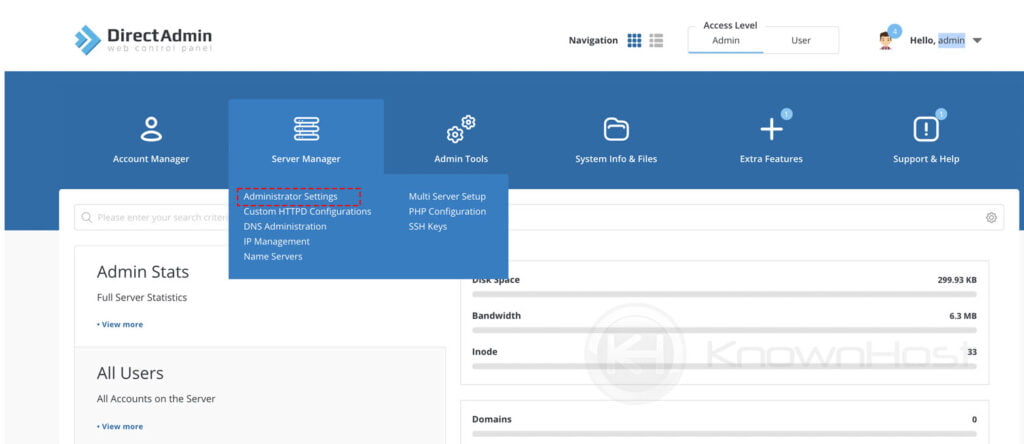
2. Navigate to Server Manager → Administrator Settings.
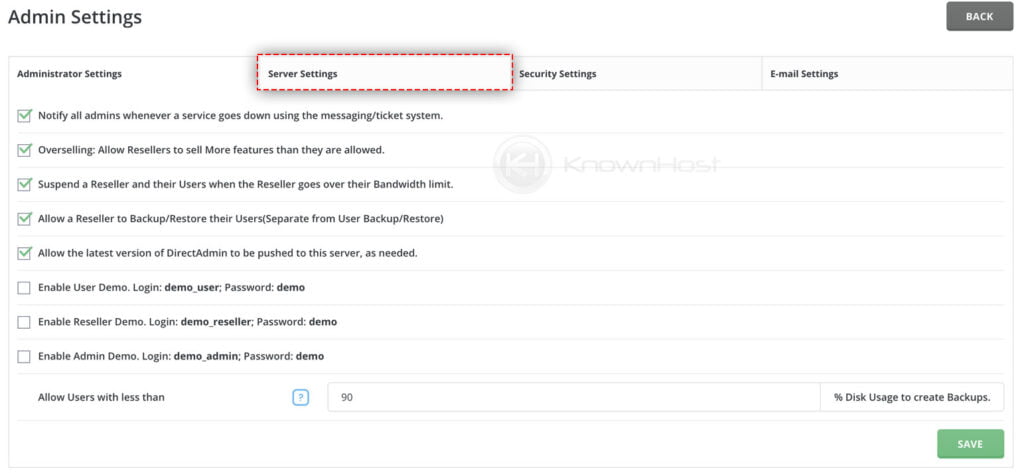
3. Next, navigate Server Settings.
4. Now increase the Max Request / Upload Size value as per requirements → Click on Save.
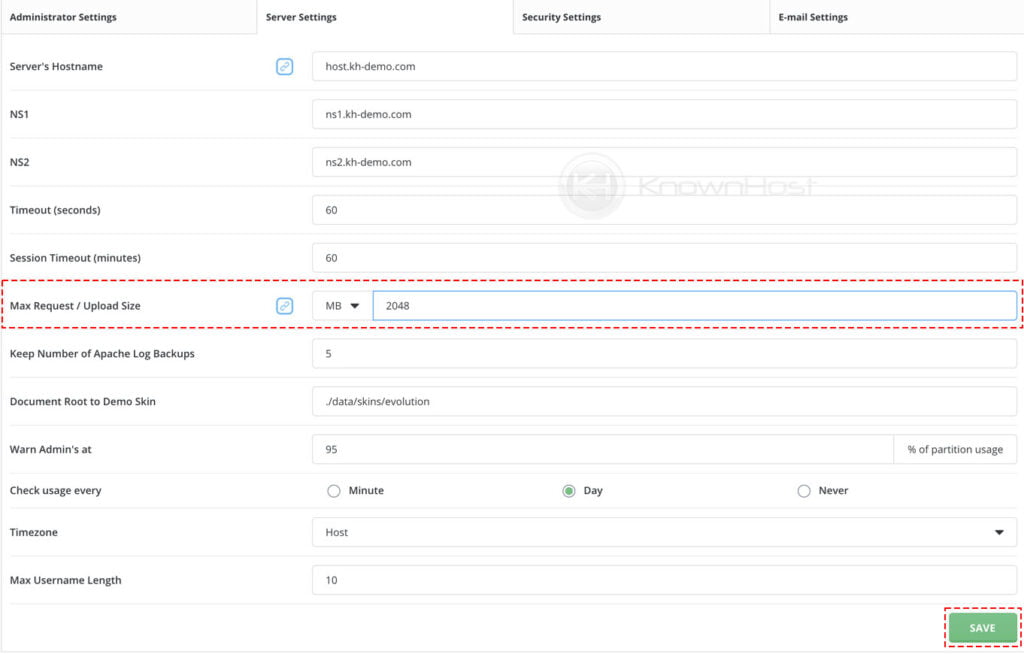
Congratulations! You have successfully increased the DirectAdmin file manager Max Request / Upload Size limit.
Conclusion
Now that we’ve gone over how to increase the DirectAdmin file manager max request / upload size limit. Configured DirectAdmin’s max request / upload size limit will be updated instantly server-wide for all the users.
KnownHost offers 365 days a year, 24 hours a day, all 7 days of the week best in class technical support. A dedicated team ready to help you with requests should you need our assistance. You’re not using KnownHost for the best webhosting experience? Well, why not? Check with our Sales team to see what can KnownHost do for you in improving your webhosting experience.